Original Editorial Guides
Long-form explainers on prank design, interface history, and digital culture written to stand on their own.

Browser-based interface simulations and terminal emulators designed for filmmakers, content creators, and STEM educators.
Browse the interactive tools, then follow the linked articles to understand the history, psychology, and design patterns behind them.
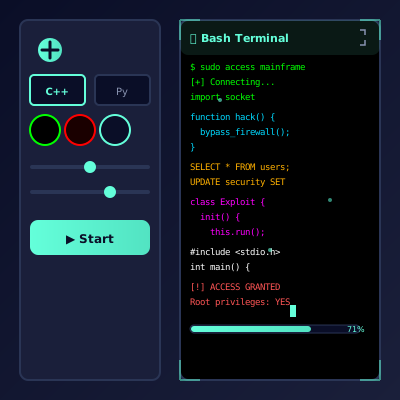
Professional multi-language code simulator with customizable themes and controls. Perfect for video production, education, and cinematic effects!
Play Simulator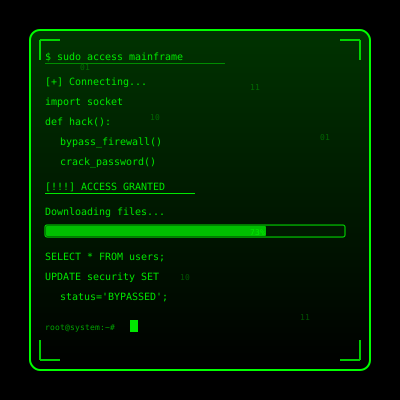
Professional code simulator with Matrix-style green code generation! Perfect for video production, education, and creative effects.
Play Simulator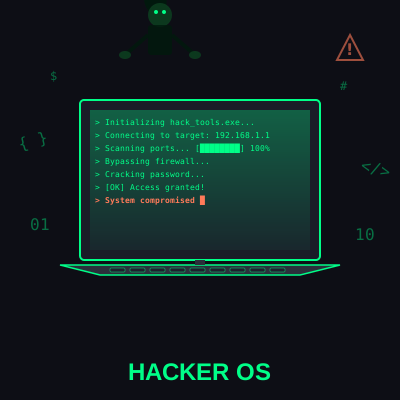
Cinematic multi-window developer terminal with realistic interfaces. Perfect for film, education, and creative projects!
Play Simulator
Simulates a Mac OS update with realistic progress and system error screen option.
Play Simulator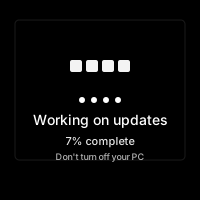
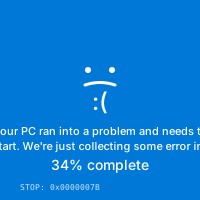
The classic Windows BSOD error screen - creates dramatic system effect!
Play Simulator
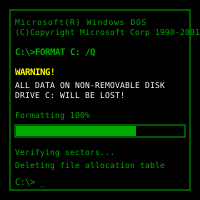
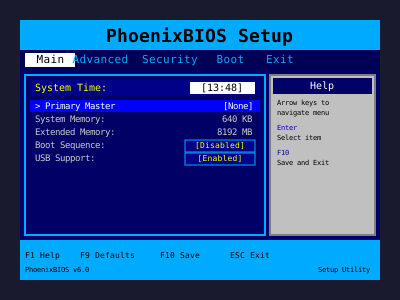
Realistic interactive BIOS setup utility - navigate with arrow keys and change settings!
Play Simulator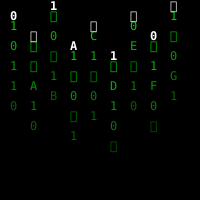
Enter the Matrix with falling green code! Mesmerizing digital rain animation.
Play Simulator
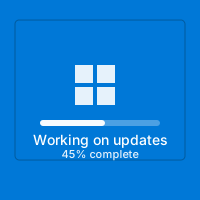
Modern Windows 10 update screen with realistic progress and never-ending updates!
Play Simulator
Classic nostalgic Windows XP update screen with the iconic blue gradient and Windows flag!
Play Simulator
Click or tap to shatter the screen with realistic broken glass effect!
Play Simulator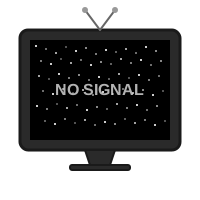
Classic TV white noise effect! Simulate "No Signal" with authentic static and sound.
Play Simulator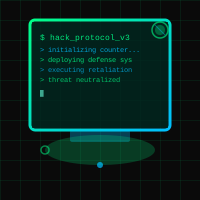
Fully functional developer desktop simulator operating system with realistic windows, terminal, and file explorer.
Play Simulator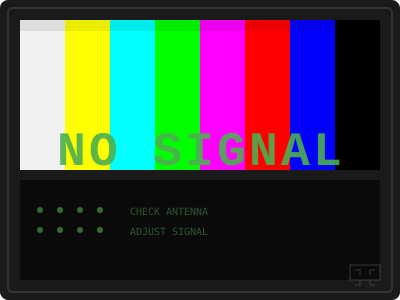
Colorful TV test pattern with "NO SIGNAL" text and authentic scanline animation. Classic retro TV simulator!
Play SimulatorThree simple steps to interactive simulation success
Choose from our collection of high-fidelity interface simulations. From authentic retro OS screens to modern system alerts, we've got something for every creative need.
The simulation launches in fullscreen mode, creating an immersive and authentic visual experience. Perfect for video production, streaming overlays, and creative demonstrations.
Sit back and enjoy the authentic visual simulation. To exit anytime, just press ESC or F11. All simulations are purely visual with no system interaction or device modifications.
Everything runs in your browser. Nothing gets installed, no files are touched, and the viewer's device stays safe. These tools are built for visual demonstration, media production, and classroom-friendly examples.
No sign-ups, no downloads, and no complex setup. Open a simulation in seconds and use it in a controlled, clearly explained context.
We've spent time making sure these look authentic. From Windows update screens to BIOS setups, every detail is crafted to support realistic demonstrations and visual storytelling.
Desktop, laptop, tablet—doesn't matter. All you need is a browser. Some pranks even work on phones, though they're obviously more convincing on a bigger screen.
The best results come from clear context: film production, education, streaming, and creative demonstrations. Tell viewers the purpose so the experience stays informative, ethical, and low-stress.
PranxWorld is evolving into a learning hub for interface simulation, prank psychology, technology history, and safe-use guidance. The tools are one layer. The editorial content is what explains why they work and how to use them responsibly.
Long-form explainers on prank design, interface history, and digital culture written to stand on their own.
Practical guidance focused on reversibility, consent, and why specific simulations feel believable.
Each simulator is paired with deeper reading so the site works as an educational resource, not only a launcher.
These are longer, more complete articles that help Google and readers understand the site as an editorial property with original analysis and practical context.

Master the art of code visualization with our advanced terminal simulator. Switch between 6 languages, customize themes, and enjoy smooth animation features.
Read Guide
Journey through 60 years of computer interface simulations, from mainframes to modern browser-based tools. A comprehensive historical deep-dive.
Read Guide
Transform your screen into an interactive desktop OS simulator. Complete with terminal, file explorer, and working windows. Perfect for educational demonstrations and creative projects.
Read GuideClear answers about safety, usage, and appropriate contexts
No. These experiences are visual browser-based simulations only. They do not install software, modify files, access personal data, or change system settings. They are designed for creative, educational, and entertainment use without affecting the participant's device.
In most cases you can press `ESC` or `F11` to leave fullscreen mode. If a page includes its own controls, those instructions will appear on screen. Refreshing the page or closing the tab also ends the experience immediately.
Yes. Some simulations are platform-themed, such as Windows or macOS update screens, while others are cross-platform visual effects that work in any modern browser. The best results depend on screen size, browser support, and the specific interface being recreated.
They are most appropriate for demonstrations, content production, classroom explanation, interface study, or sanctioned awareness exercises. Avoid using them in situations where they could create real confusion, interrupt critical work, or cause unnecessary stress. When in doubt, use them with clear context and consent.