Dramatic computer graphics are often employed in modern films such as its YouTube incarnations of computer-aided surveillance, or even livestreams and classroom demonstrations — not to mention the social media skits that torture boredom into oxymoronic stimulation of suspense. Audiences have a penchant for glowing terminals, scrolling code, warning screens, radar interfaces and futuristic dashboards because they give an instant air of techness to whatever a scene is evoking. The positive point for creators is that you no longer need to be a cybersecurity expert and have forensic software in order to generate these visuals. Browser based interface simulations and terminal emulators have made it easy for anyone to cheaply and safely produce convincing cyber-style scenes.
Realism lacks its importance for filmmakers and content creators like you. The color of a blank laptop screen or a static desktop will hardly attract attention, but an animated terminal with many rapidly moving commands can turn the most ordinary shot into something really cinematic. Browser Simulators: Fast, Simple, & Accessible Whether you are making a short film, simulation video, classroom demonstration or cyberpunk-themed livestream – browser-based simulators will give you a quick and convenient way out.
Simulated Cyber Interfaces Why Are They So Popular
Technology-based graphics have become a major form of entertainment. When viewers see terminal windows, system diagnostics, and animated code we've already associated that with intelligence, mystery, and high-stakes action. The visual language of cyber scenes is becoming a part of pop culture, so that even people without any technical background recognize it.
Simulated terminals used by social media creators to add believability to their comedy skits. Futuristic Interfaces give a production value boost for filmmakers, without the need for bespoke VFX teams. The streamers very often put animated terminals, or a matrix-style visual playing in the background to create an immersive atmosphere during streams. Even in STEM activities, educators use simplified simulations to illustrate concepts while shielding students from access to actual cybersecurity tools.
Note: Although the use cases are what makes it worth it, the appeal comes from the atmosphere that these interfaces create. And, once again: moving text and alarm alerts, radar displays and update screens — it makes technology feel alive. They add tension and movement to the images that screen viewers in comfortable dialogue scenes.
Browser-Based Simulations Make Production Easier
Previously, to imitate sophisticated computer systems creators had the option of video editing software or complex programming knowledge. Browser-based tools nowadays make the process remarkably easy. The majority of simulations run directly in a web browser, so they are accessible on virtually any computer without installation.
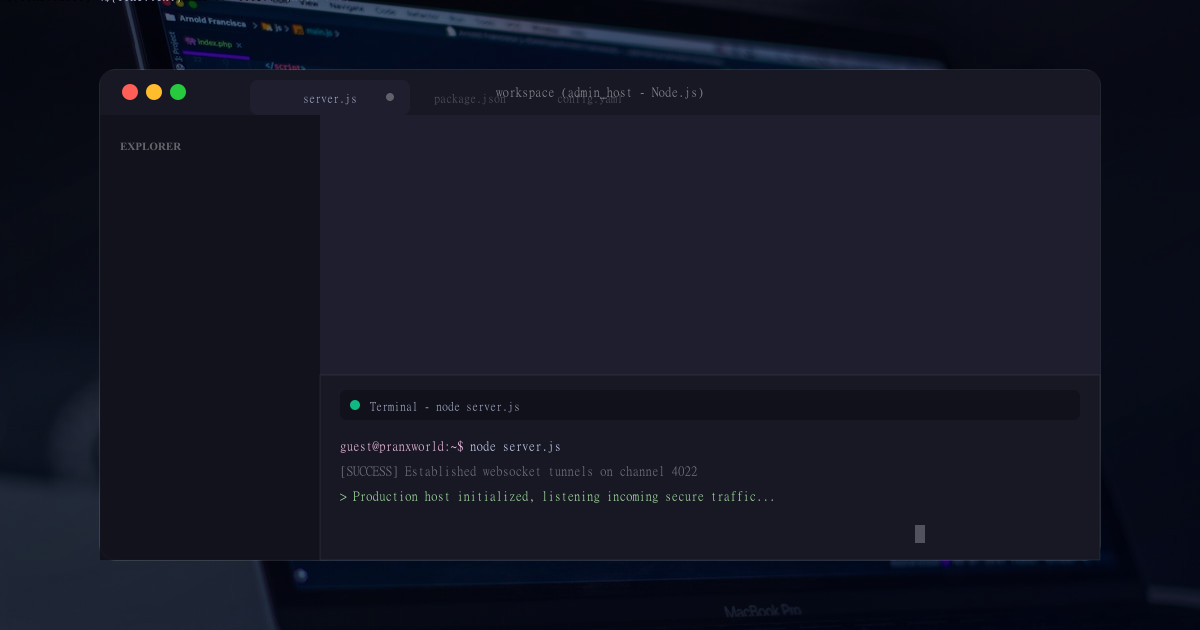
This can be a real boon for independent creators and small production teams. For example, if a filmmaker wants to depict developer activity while filming scenes in a laptop, they could open up a terminal emulator and completely develop an authentic cyber space. No need to get developers to customise or animate simulated code line by line in a drawable.
These simulations are also flexible as they are browser-based. For this reason, creators are often able to switch between interfaces fairly quickly at the time of filming whatever scene. The screen might show a futuristic developer terminal for one moment, before changing to the next second as a simulated operating system update or broken computer screen.
Advanced Developer Terminal for Cinematic Scenes
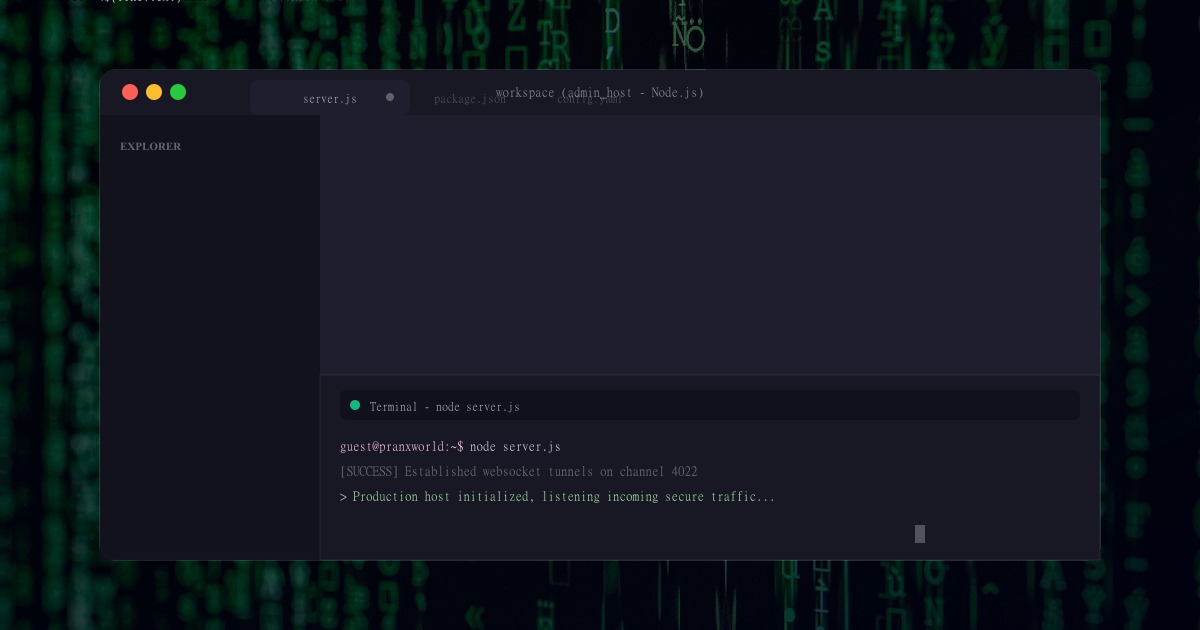
Advanced Developer Terminal simulation is one of the best tools for cyber scenes. These interfaces typically include animated command lines, system diagnostics, status messages—and rapid scrolling text that looks like a professional development or security environment.
The main benefit (especially for filmmakers) is visual realism. It simulates a series of complex technical processes finally happening in real time. Despite the commands being input with a gamified overlay, audiences recognize this and see it as genuine action based on how well they know the source material.
These are ideal for scenes involving cyber investigations, gaining access to secret information, or advanced technology of the future. Code that starts moving fast immediately generates an element of dramatic tension and urgency. Creators can also make pace and color palettes more of a looping tone — everything from hyper-realistic corporate environments to the moody techno aesthetic of sci-fi quality.
The Aesthetic of Matrix-Style Terminals
The falling green code is perhaps one of the most iconic visual effects relating to cyberpunk. However, Matrix-style terminal simulations seem to be extremely popular because they immediately deliver a futuristic terminal-style ambience.
Couple of neon green symbols on the dark background and you have a very high-tech aesthetic most suitable for films, gaming streams and Youtube intros. Even the simplest scenes appear much more interesting if we put a Matrix Rain effect in the background.
These images are often used during transition scenes or during suspenseful moments by creators. The Matrix-style terminal can also serve as a looping ambient display running behind the presenter (or streamer) allowing a retention of ambient style of an underlying tech identity to float around.
These interfaces are considered popular due to their simplicity. Immediately people the world over recognize the style, so it is an immediate shortcut to building any cypress era environment without much explanation.
Pretending OS Updates for Simulation & Videos
Simulated operating system software updates (or, in terms of solemn browser-based simulations, very quiet) have become a pretty entertaining genre. Windows 11 Update, Windows 10 Update, Windows XP Simulated Update, Mac OS Update and others show real looking activities of the operating system and gives an impression in the first view.
Simulations like these are often used in simulations as they resemble updates people might be familiar with from real life. If the setting of the video is right, a simulated onscreen update running away slowly can cause frustration or suspense or comedy.
Filmmakers use update simulations for simulating office or workplace scenes. Instead of being met by a blank desktop, the simulated update window makes it seem as though the machine is busy doing something important.
Even classic interfaces like Windows XP updates can introduce nostalgia into retro-themed content. At the same time newer OS emulations allow modern setpieces to feel alive.
Because the simulations are fully harmless and provoke heightened emotional reactions, they work brilliantly in simulation videos! Due to the fact that everything runs in a simulation inside the browser, there is no real threat to the device itself.
Simulated BIOS Setup Screens, Retro Tech :
Retro computer graphics continue to draw audiences because they look authentic and take us back in time. Simulated BIOS Setup screens mimic the low-level system menus displayed during the boot-up procedures of a computer. Immediately, the simple blue and gray interfaces are a throwback to early era PCs and technical troubleshooting.
BIOS-like screens are used to imply system/power control, diagnostics, or secret technical functions by filmmakers. They're also often used in vintage productions, where modern interfaces would feel awkward.
These simulations show how these elements, even simple visuals, serve to deepen the story. A believable startup screen, for example, can make an entirely virtual computer feel realistic with relatively simple effects.
And, that is what browser-based terminal emulators and interface simulations give you. They provide cinematic computer generated imagery without technical effort, putting professional scenes within easy reach of anyone with a web browser.
Explore More Interactive Posts
Browse more digital simulation ideas, interface explainers, and browser-based entertainment guides across PranxWorld.
Read More Articles