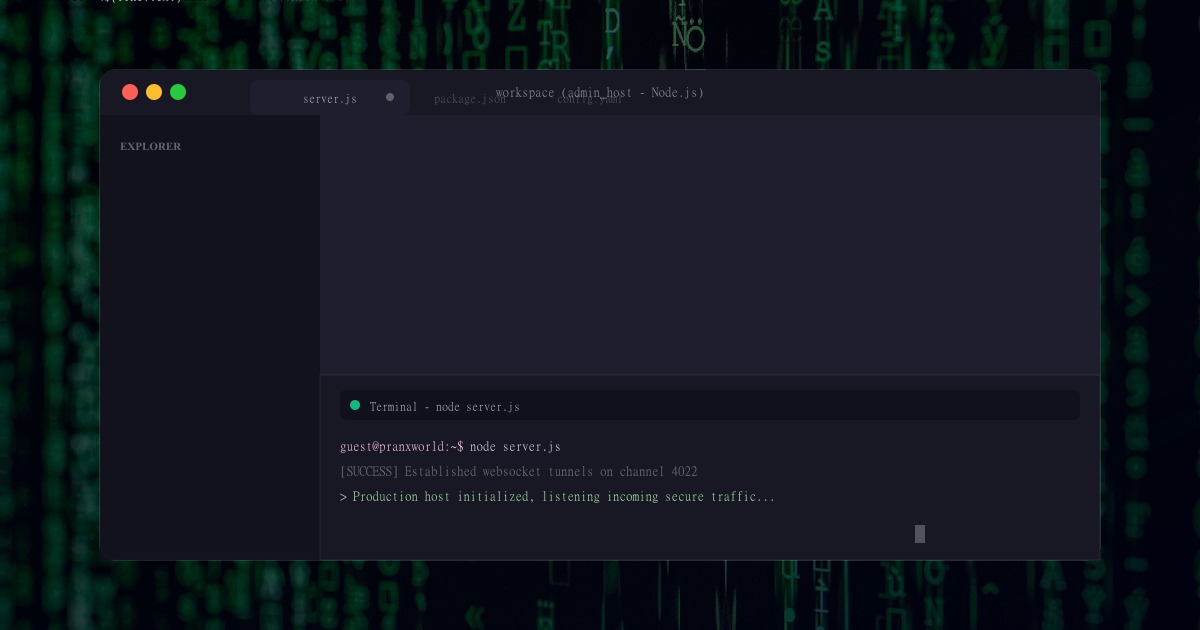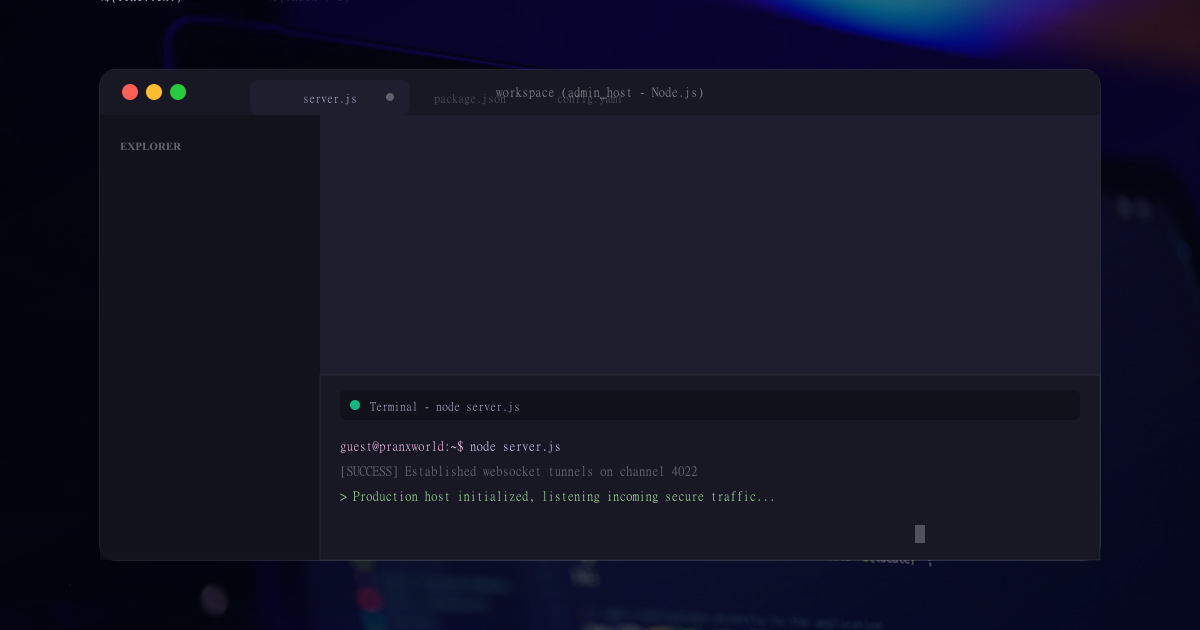
One of the most common visual effects is simulated developer screens available in online entertainment. You know all those dramatic developer scenes in movies, television, gaming streams, and social media videos with scrolling code down screens of flashing alerts on futuristic dashboards as well as graphical digital whiteboard animations? All these effects are exciting, and is what makes the content even more cinematic and professional. Part of the reason for this is that, while 'real' cybersecurity work looks nothing like this, these fictional developer screens are very visually appealing and instantly recognizable.
Today, creators do not require advanced programming skills or expensive productivity software to create these effects. Web-based tools and online simulators that allow anyone to design realistic simulated developer screens right from their web browser. There are platforms like Pranx World that allow you to use entertainment-oriented terminal simulators, simulated interfaces for videos, streaming, roleplay and more creative digital projects. They put the ability to create blockbuster-style cinematic developer-esque visuals in the hands of filmmakers, YouTubers, streamers and social media creators faster than ever before & at a fraction of the budget.
Why Simulated Developer Screens Are Popular
Simulated developer screens are common as these create energy and mystery in a video. An impression of advanced cyber activity is created by animated code transfers, glowing terminal moves of mouse cursor that reveal warning messages and CryptoKitti-Recovery system scans. These visuals fascinate viewers with very little tech experience not for the hardware itself as it looks Hollywood like.
Developer screens are commonly used by content creators to give their videos a more modern, slick, and dramatic appearance. Cyber-themed visuals can also work well in gaming content, futuristic projects, sci-fi skits and short films. In addition, they easily grab attention on social media channels, where visually interesting content is essential to attractive views.
Using Browser-Based Developer Simulators
Creating simulated developer screens from a browser simulator is one of the easiest ways to do it. These tools operate online and there is no complex installation involved. Users can instantly just bring up a website, start a simulation and show those animated terminal-style effects.
Websites such as Pranx World, provide a number of simulated cyber simulations for entertainment purposes. Browsing these tools can show scrolling code, simulated password displays, surveillance dashboards in progress and security alert simulations running their defenses as well futuristic cyber interfaces. Creators can use these because they run right there natively inside a browser and that also allows it to work on laptops, desktops, and even mobiles.
Choosing the Right Developer Interface
A large part of how realistic the final video looks is down to the design of the developer screen. Different visuals set different tones. Some creators opt for ASCII terminal screens reminiscent of old developer flicks with green text, while others choose modern cyberpunk dashboards with glowing animations and futuristic graphics.
Here are a few specific tips for choosing a simulated developer interface based on the style of your project, creators. A suspense thriller may need sinisterly realistic peer terminal windows whereas a video about comedy uses the exaggerated futuristic visual effects. Browser-based simulators usually have a variety of template and layout options to suit various creative requirements.
Creating a Cinematic Setup
A simulated developer screen seems more credible if they have the right filming environment. Things like the light, camera angles and even atmosphere help a lot with this realism. A lot of creators will shoot these developer scenes in dark rooms with monitors glowing light to add a cinematic feel.
The number of displays can also contribute to the appearance of a more advanced setup. Sound and visual cliches, including reflections in screens, overhead shots of keyboards and furious hands type at a keyboard help create the illusion of feverish digital activity. Even basic simulations can come off well if lit and shot correctly in a simple browser-based simulation.
Adding Motion and Animation
An aspect of simulated developer screens that make them feel so cinematic is the fact there is always something moving on screen. The animated text, flashing cursors, loading bars and scrolling code all give the illusion that systems are alive and working in real time.
These smooth visual affectations are achieved in browser-based simulators with the help of steaming effects directly through modern web technologies. Motion breathes life into scenes — and that keeps viewers engaged. Static screens have oftentimes appeared unrealistic, while animated interfaces recreate cyber scenes much closer to the way they are portrayed in film and television.
How to Record Simulated Developer Screens for Videos
After starting the simulator, the screen can be recorded by using any screen capturing software or some external cameras. Note that some creators prefer direct screen recording for clean visuals whereas others record a physical monitor to give it more cinematic feel instead.
Shooting real screens introduces subtle reflections, lighting effects and authentic camera movement that help to immerse the viewer. Using a combination of browser-based simulations and cinematic filming techniques makes the videos appear more poised and professional.
Adding Sound Effects
Sound design; a very important aspect of making simulated videos on developers. Key clicks, warning chimes, a discrete system beep and ominous music can all turn boring Firefox emulations into blockbuster events.
A lot of video creators will include some sound effects in the post-processing phase to amp up suspense and excitement. Fast typing, flashing code and electronic sounds synthesize the archetypical Hollywood developer milieu — a feeling that audiences can easily identify.
Developer screens that you can use in streaming
That's why we see simulated "developer" screens on live streams — both during gaming broadcasts, but also as a gimmick in roleplay. Cyber themed content is popular after all. That said, a browser-based interface lends itself nicely to streaming because it does not need to run in real time and does not have any heavy software requirements.
Some streamers employ simulated cyber dashboards as an overlay, while others will shift to a simulated terminal during particularly tense moments in gameplay or storytelling. These types of effects make streams personable and visually stimulating for viewers.
Creating Social Media Content
The requirement of cinematic VFX has been enhanced by short-form video platforms like TikTok, Instagram Reels and YouTube Shorts. Imitation developer screens work well because they grab the viewers attention immediately with important looking text and strange futuristic graphics.
Using browser simulators, creators would film short clips of cyber-themed videos to be dramatic or funny. A realistic looking simulated developer UI can make any simple video look cool and future-proof. Browser-based tools enable creators to create this fast, without costly editing software.
Conclusion
For all its shady qualities, simulated terminal-style screens have become one of the most crucial elements of the dataverse experience. These lend a sense of excitement, tension and help make videos, streams and social media posts more cinematic in style. New-wave simulators for the browser enable creators to create high quality cyber visuals without having to master complex codes or spend a fortune on 3D graphics software.
Services like Pranx World facilitate even the creation of simulated developer screens through browser-based tools and futuristic digital interfaces intended for entertainment reasons. These simulations allow creators to enhance their storytelling, reach a larger audience, and create art quickly and cost effectively.
Simulated developer screens are a popular creative tool across the globe amongst filmmakers, streamers, and digital creators as online entertainment continues to evolve.
Explore More Interactive Posts
Browse more digital simulation ideas, interface explainers, and browser-based entertainment guides across PranxWorld.
Read More Articles